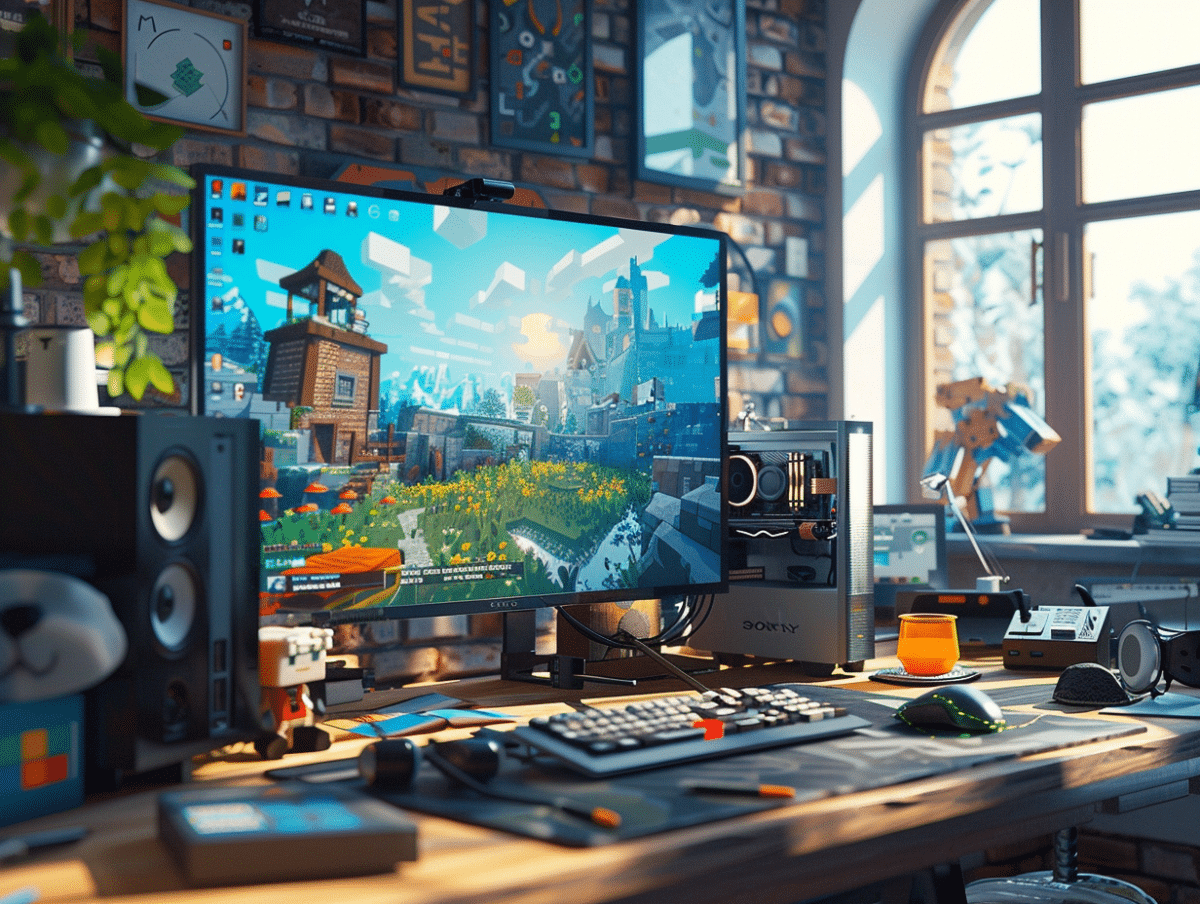
Exploring the pixelated blocks of Minecraft offers an endless adventure, but sometimes, this journey is filled with unexpected obstacles. From lurking monsters to building challenges, players of all levels face issues that can hinder their progress. Fortunately, with a few tips and strategies, these common annoyances can turn into opportunities to learn and improve. Solutions for effectively managing inventory, survival techniques against nighttime creatures, and the best ways to exploit resources, these practical tips are designed to enhance the gaming experience and transform every player into a master builder and explorer.
Performance Improvement and Bug Management in Minecraft
The quest for Minecraft optimization is an ongoing endeavor for players looking to extract every ounce of power from their machine. The video settings in Minecraft Java Edition offer precise control levers: reduce the render distance, disable unnecessary animations, and prioritize simple textures. These adjustments, which may seem trivial, have a direct and measurable impact on the FPS count, thereby ensuring smoother gameplay and a stabilized visual experience.
Common issues in Minecraft are not limited to performance questions. They also encompass technical challenges, such as the remoteconnect error. This frustrating barrier to cross-platform experience occurs when a linking issue with a Microsoft account is detected. The resolution is accessible via ‘https://aka.ms/remoteconnect’, which guides the player through the necessary steps to restore the connection and resume shared gameplay.
When problems exceed the scope of usual solutions, Minecraft technical support serves as a beacon of help. Their assistance, far from being a mere crutch, is a robust service for overcoming internet connection issues and other technical obstacles. Make it a habit to consult official forums and guides for optimal performance, a proactive approach to anticipate and resolve potential malfunctions.
Customization and Resource Utilization to Enrich Minecraft Gameplay
Customization in Minecraft represents a fundamental axis for users seeking a unique and tailored experience. The integration of Minecraft mods, such as Optifine, allows players to transcend the initial limits of the game, offering enhanced graphics and a multitude of new features. Optifine, in particular, stands out as essential for pixel aesthetics enthusiasts, eager to refine textures and harmonize performance.
The utilization of resources also extends to infrastructure with Minecraft servers and Minecraft proxies. These tools, far from being mere gadgets, are powerful levers for player communities. They allow for the customization of game settings, implementation of specific rules, and modulation of the collective experience according to shared desires.
The choice of a Minecraft VPS hosting is also a vector of autonomy for players who wish to design their private server. By relying on robust operating systems such as Linux, they benefit from increased freedom in managing their gaming space, as well as the ability to customize the required system configuration for maximum optimization.
Gaming applications dedicated to Minecraft further enrich this palette of possibilities. These interfaces, designed to simplify the management of resources and mods, prove to be valuable allies for the player. They facilitate content customization and updates, ensuring continuity in innovation and enrichment of gameplay.